Custom work item/space/work type/priority icons not displaying for some users
Custom icons in Jira will only be displayed if the user has Browse projects permission for at least one space, the icon is used in. Read more on the technical background here.
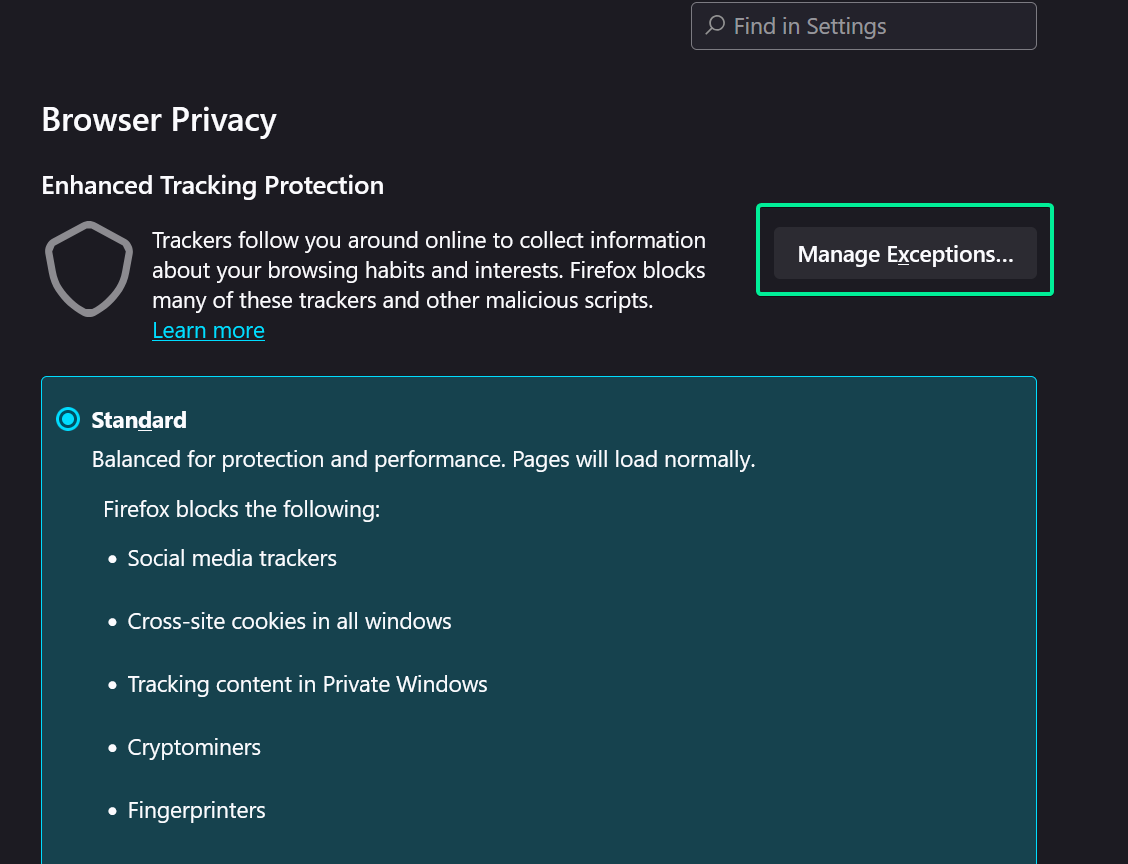
In Firefox, Enhanced Tracking Protection enables Isolate cross-site cookies by default. This blocks the app iframe from using the user's Atlassian session cookie to display custom icons, preventing Jira from verifying if the user has the Browse projects permission. To resolve this, users must disable Enhanced Tracking Protection for Jira, turn off Isolate cross-site cookies in its settings, or add your Jira URL to the exceptions.