This app will enter Limited Support on Feb 1, 2027. Please read the announcement for further details.
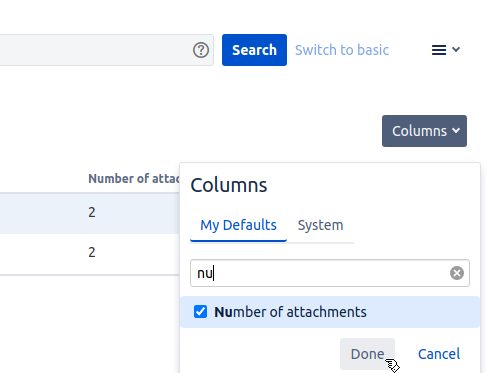
You may show the dynamic custom fields added above in columns within filters, work item search, and dashboard gadgets. To add a column to filters or the work item search, simply expand the Columns dropdown in the upper right-hand corner, search for the name of the dynamic field, and add it to your view:
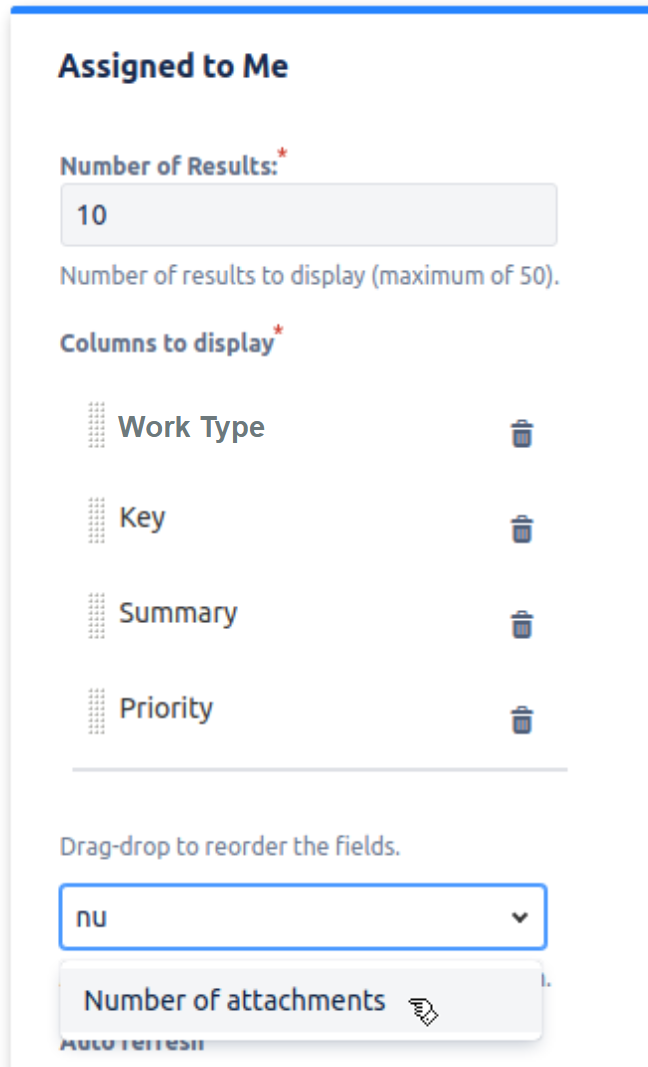
You can also add dynamic fields as a column to a dashboard gadget, e.g. the Filter Results or the Assigned to me gadget: