It is possible to show the assets of a Jira Work Item reporter, by enabling the corresponding option when configuring projects.
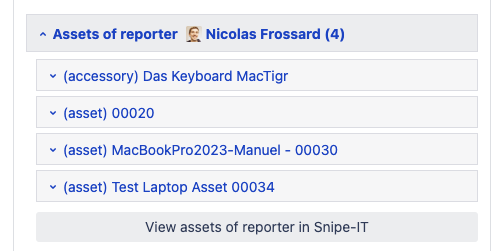
Assets of reporter will be shown below the linked assets in a Jira work item. You can easily click through all assets directly from the Jira ticket. It’s possible to edit the status, the assignee, and the notes of every asset, as well as any custom field.
The email address of the Jira user must match the email address of the Snipe-IT user, to detect the correct Snipe-IT assignee in Jira.